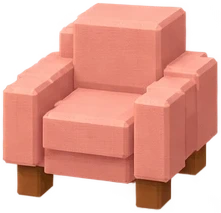
Endless ways to decorate
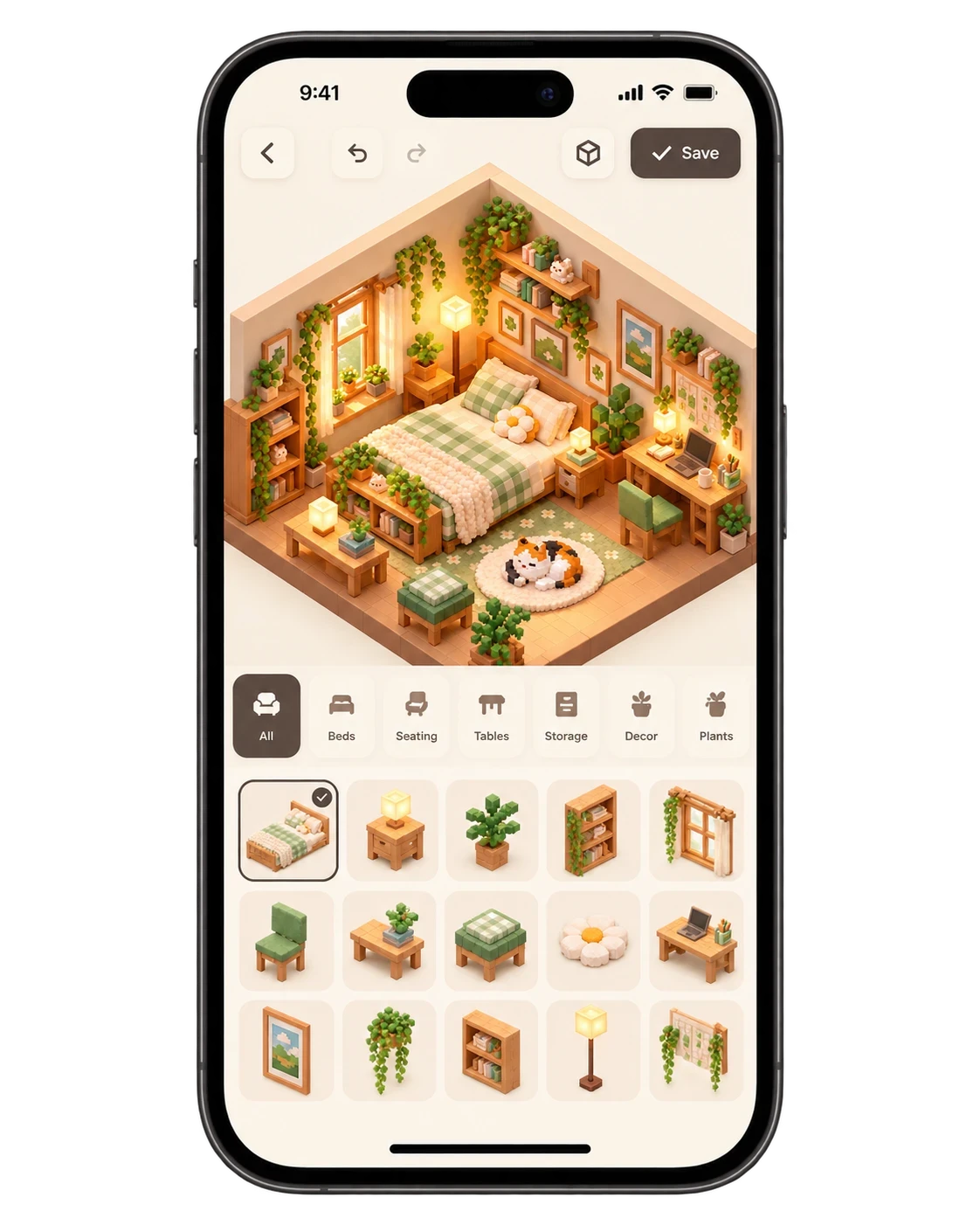
Sofas, beds, desks, lamps, plants, rugs, doors and windows, placed in a tap.

A cosy room design game for iPhone
Decorate tiny voxel rooms, help your neighbours on Maple Lane and make every little corner yours.
 Decorate freely
 A story to follow
 Six colourways
 Saved on your iPhone
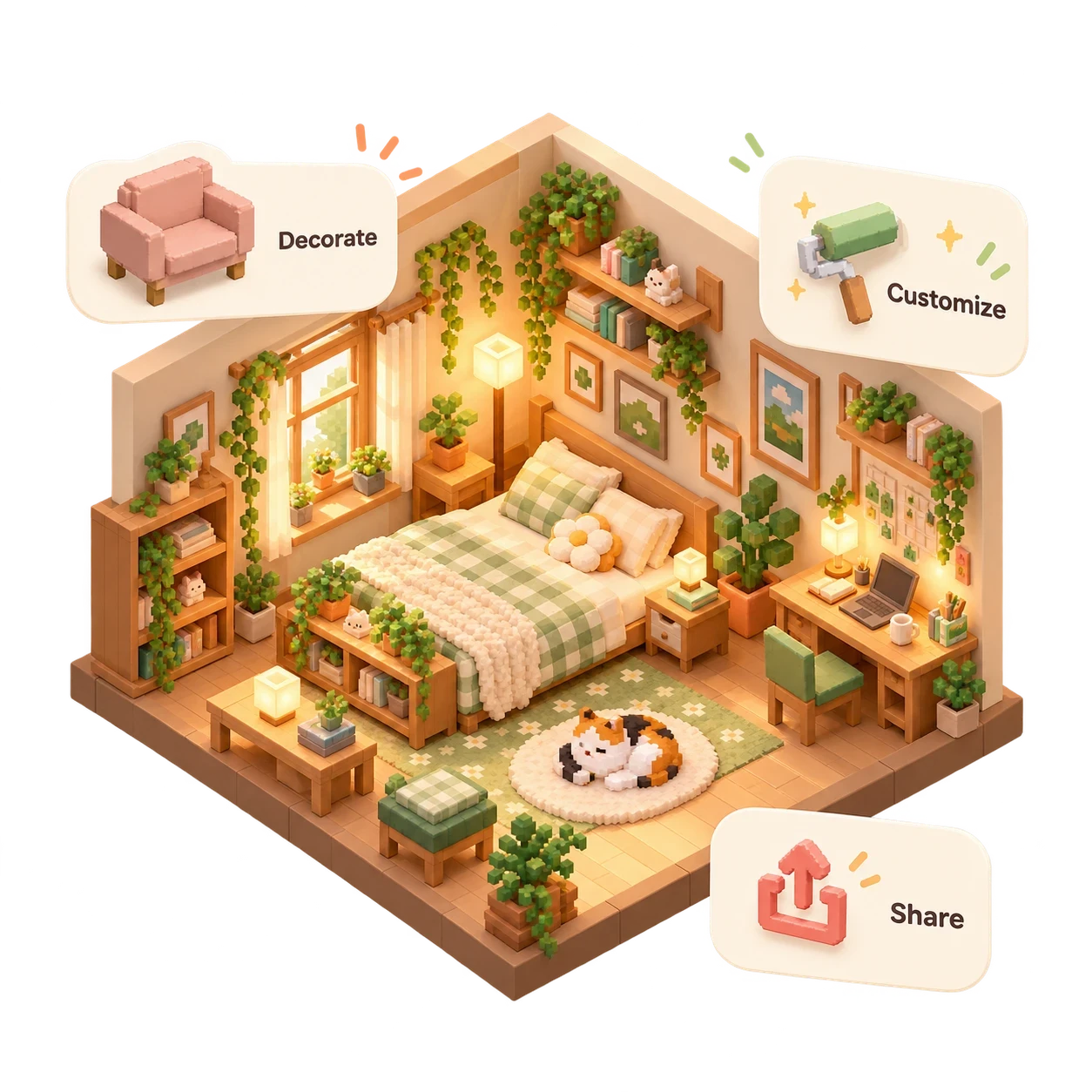
Sofas, beds, desks, lamps, plants, rugs, doors and windows, placed in a tap.

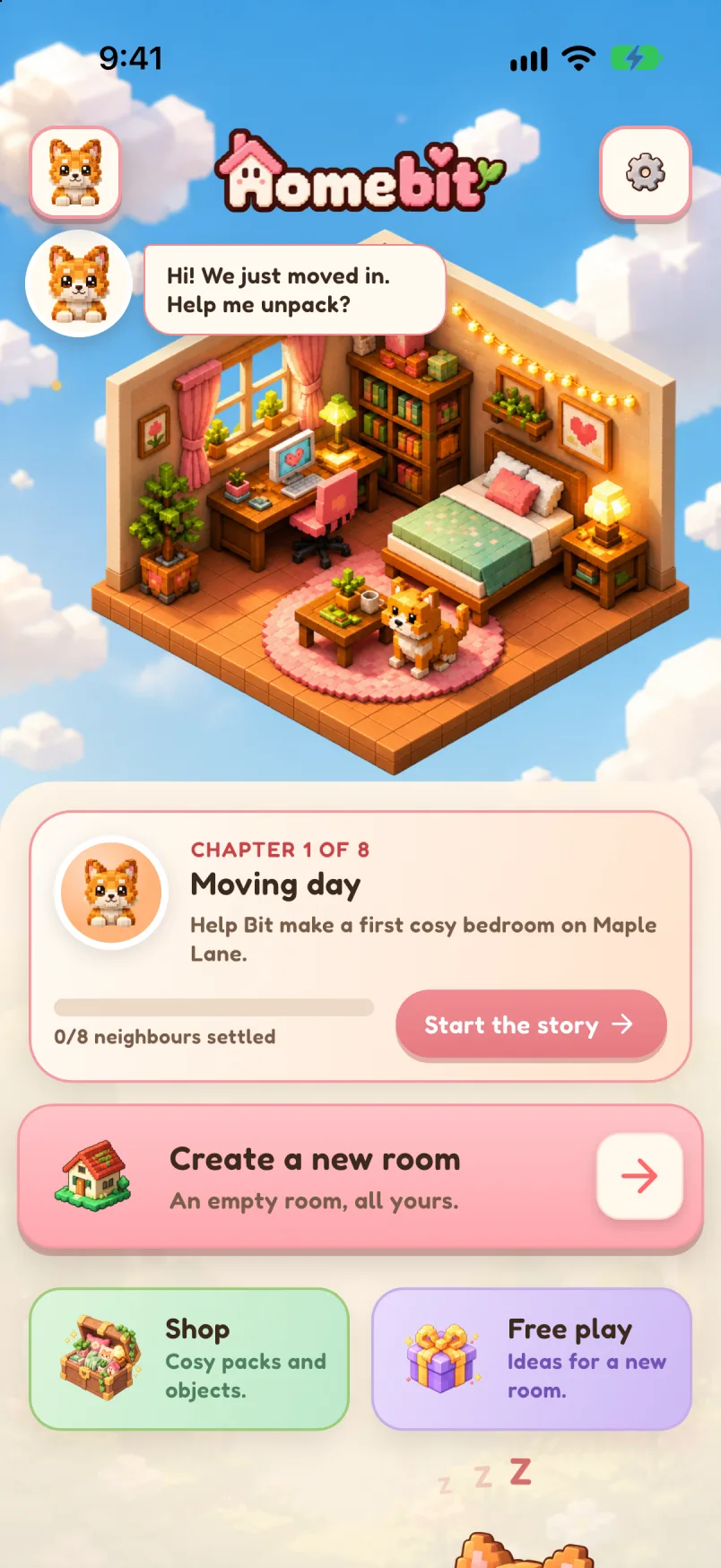
Eight neighbours, eight rooms to design, a story that moves on with every room.
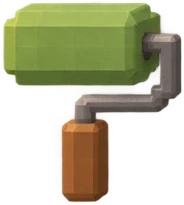
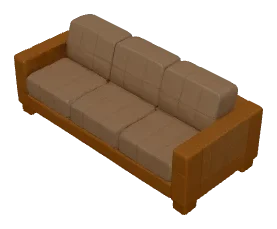
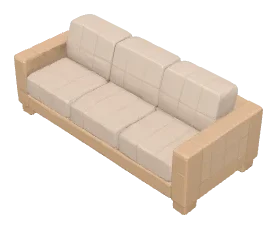
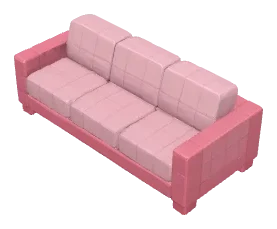
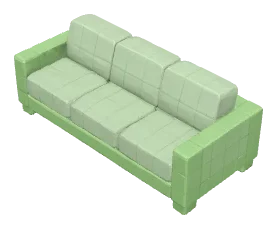
Every object comes in six colourways, from walnut to sage.

Try ideas freely: undo, redo and copy objects as you go.
New · Story mode
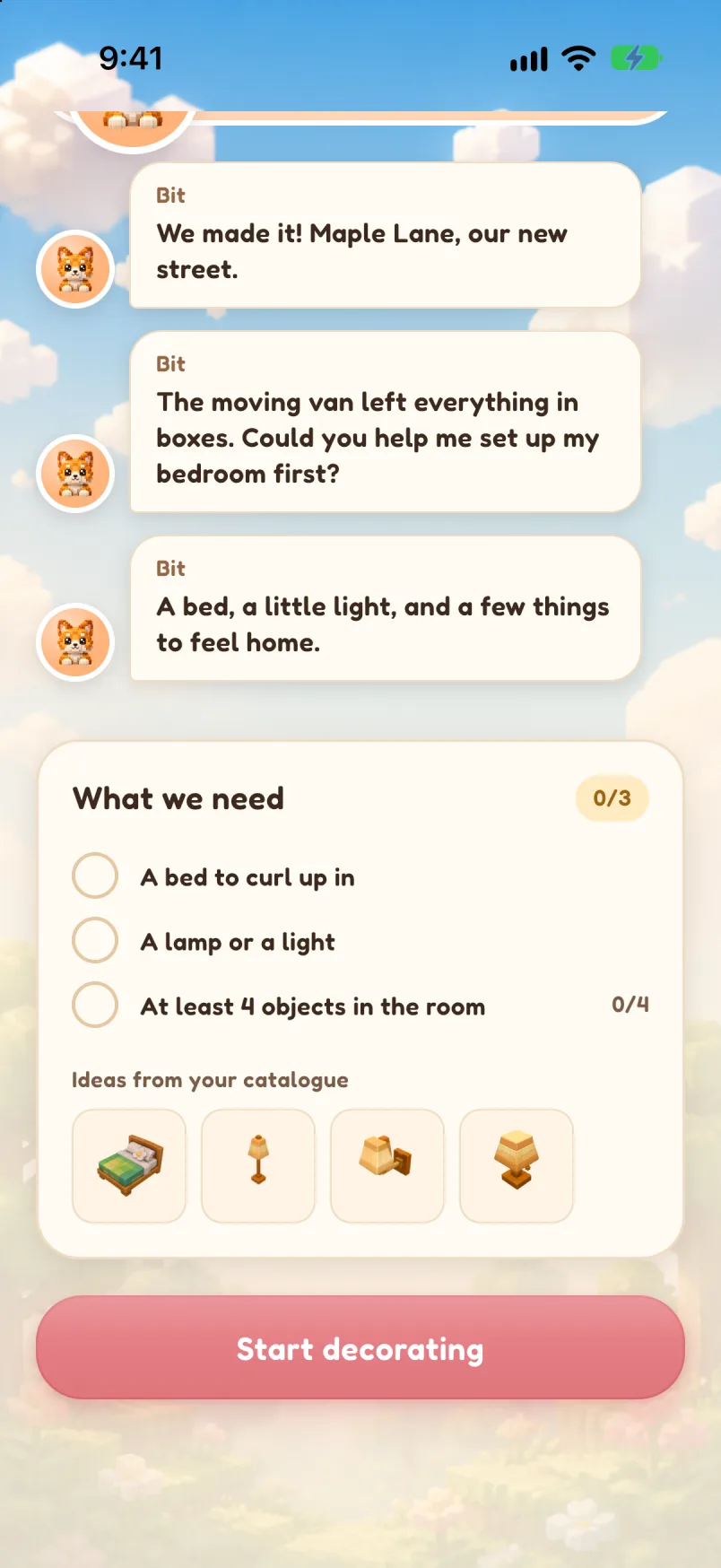
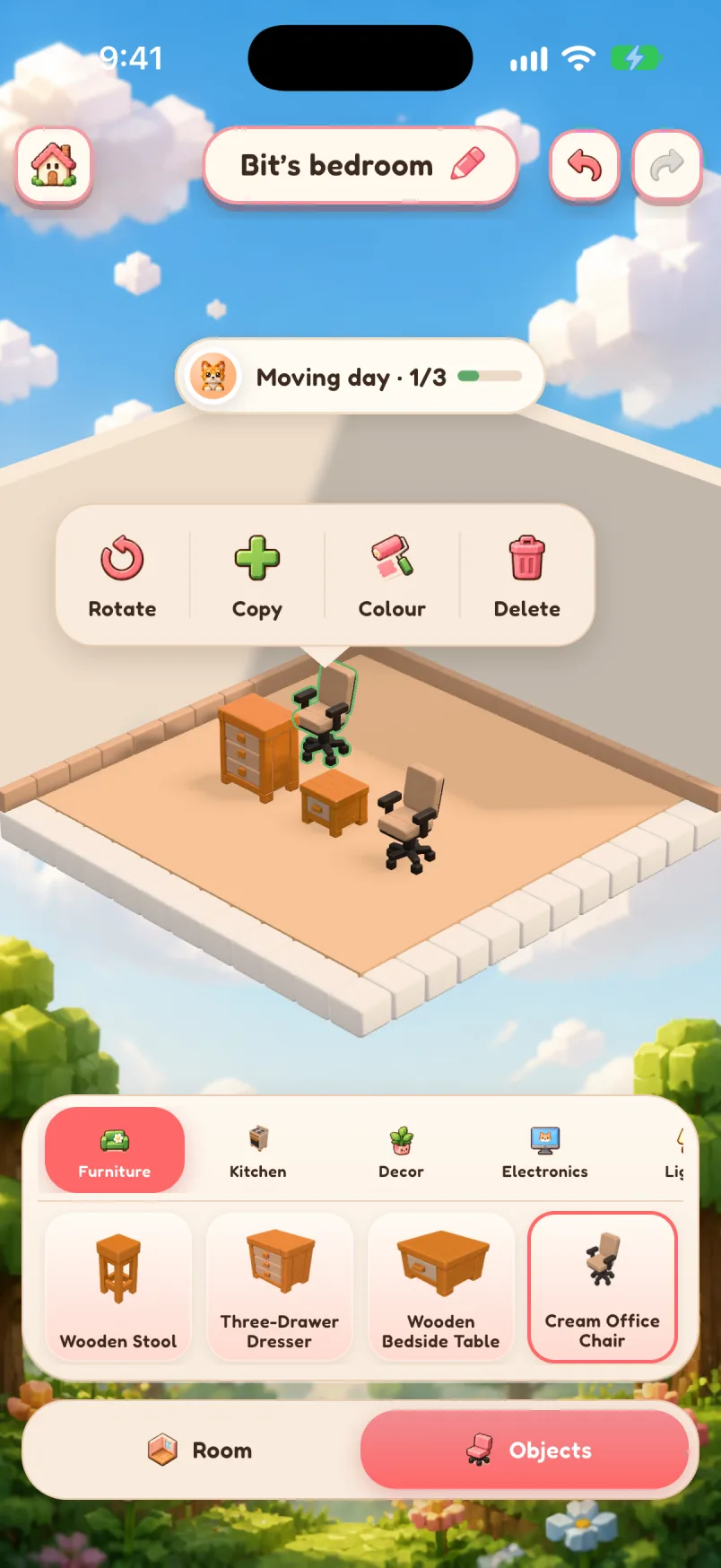
Bit the fox just moved in. Each neighbour asks for a room: a reading nook, a baker’s kitchen, a family movie night. Homebit checks the brief live as you decorate, then the story moves on.
See all eight chaptersMake it yours
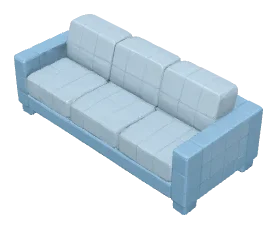
Pick an object, tap Colour, and try it in walnut, whitewash, rose, sage or sky. Your choice is saved with the room, and copied objects keep it.
Try a colourway
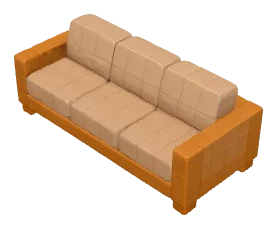
Create
Place furniture with a tap, turn it, stack small things on tables and hang frames on the walls. Undo and redo are always one tap away.
 Furniture
 Plants
 Lighting
 Decor
 Rugs
 Kitchen
Inside the app
Gallery
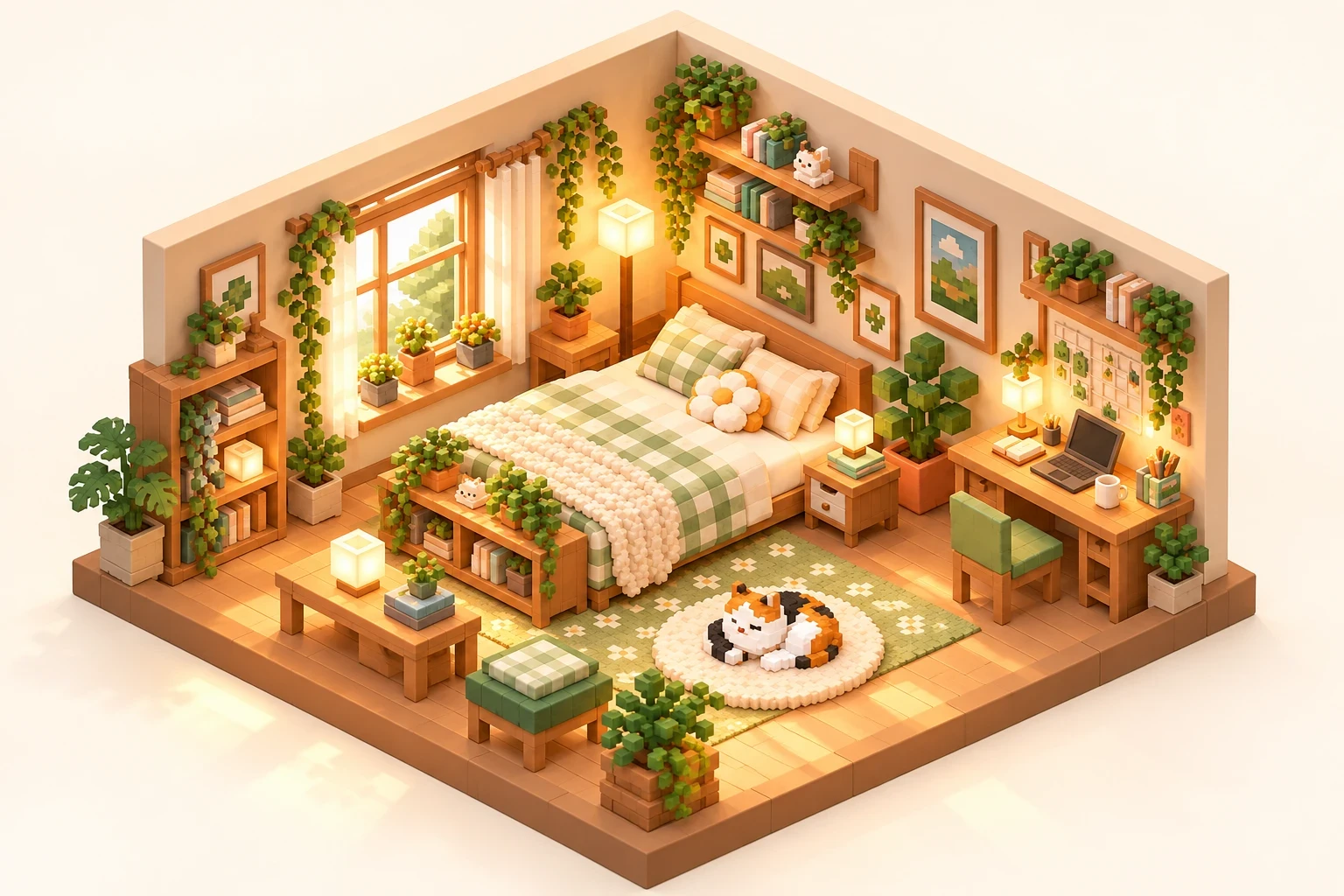
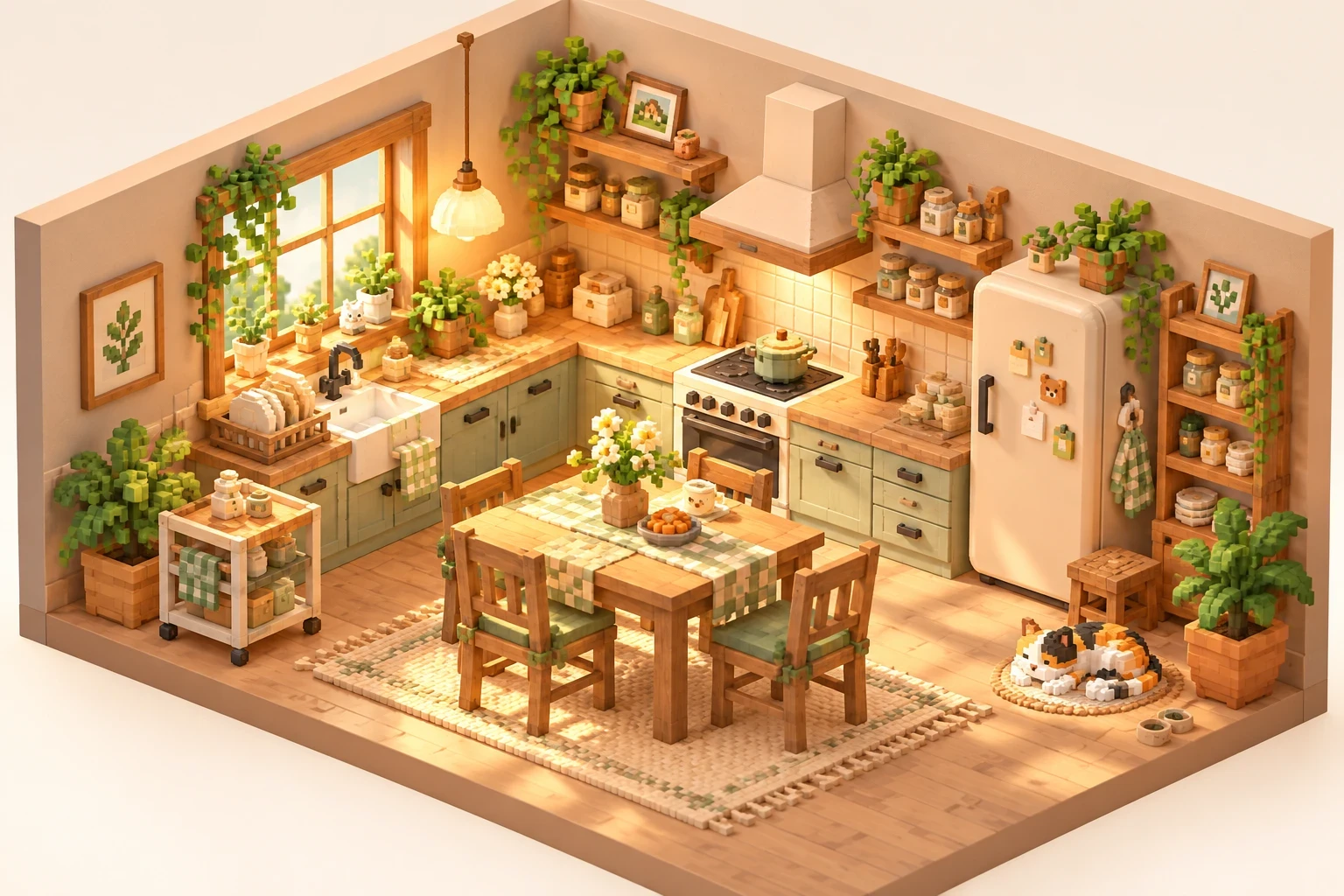
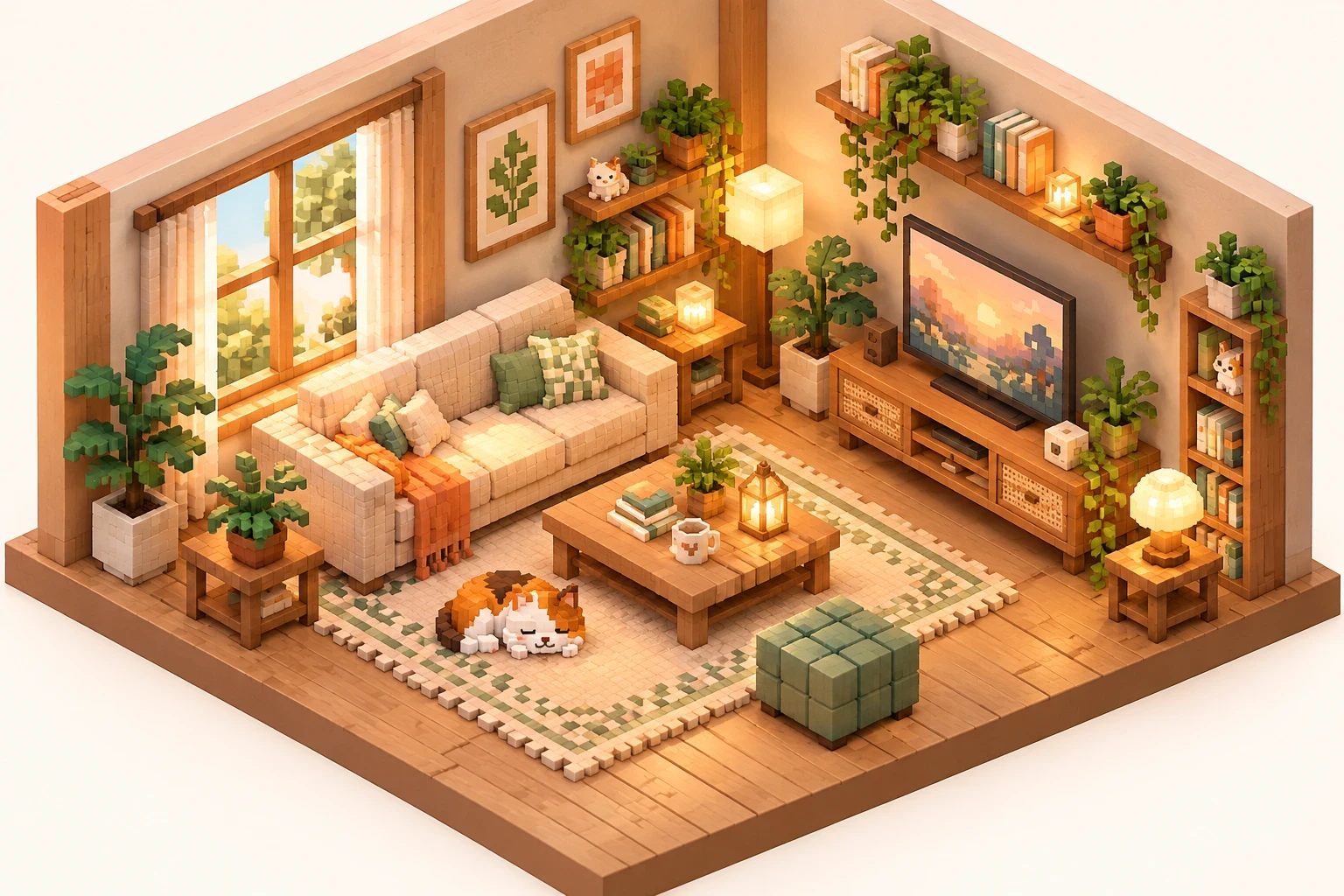
A few rooms made in Homebit, to spark your next idea.
FAQ
Homebit is available now on the App Store for iPhone.
Homebit is free to download and play, with no ads. Optional themed packs will be one-time purchases, never a subscription.
Eight chapters on Maple Lane. Each neighbour asks for a room, Homebit checks their brief live while you decorate, and finishing a chapter unlocks colourways and badges.
No. There is nothing to sign up for: your rooms and your story progress are saved on your iPhone.
iPhone running iOS 15 or later. Other devices may follow later.

Download Homebit for free on your iPhone and meet the neighbours of Maple Lane.


